Why Splitting a PDF Can Save Time
Large PDF files often contain more information than a recipient needs. A complete report may include confidential appendices, a training manual may contain several modules, and a scanned file may combine unrelated records. Sending the entire document can be inconvenient and may expose unnecessary pages.
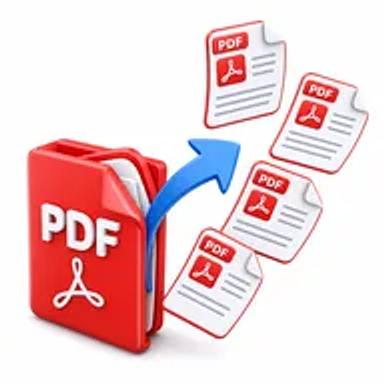
Splitting the PDF lets you create smaller files for specific people, tasks, or storage folders. It also makes documents easier to email, upload, review, and organize.
How Hemiley Makes PDF Splitting Simple
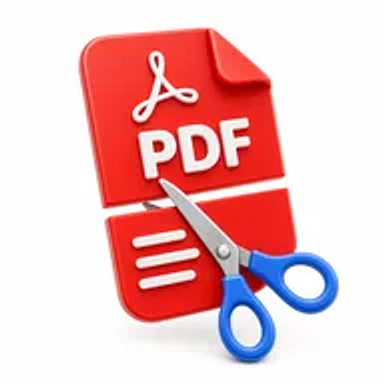
Upload a PDF, select individual pages or define page ranges, and let Hemiley create the separated files. The browser-based workflow removes the need for complex desktop editors and keeps the original page appearance intact.
You can use the tool to extract one section, divide a document into equal parts, or create several PDFs from different page ranges.
Key Benefits
Precise page selection
Choose exact pages or page ranges instead of recreating the document.
Smaller, focused files
Share only the content that is relevant to the recipient.
No account required
Start splitting PDFs without registration.
Works in your browser
Use the tool from desktop, tablet, or mobile devices.
Secure processing
Files are handled through Hemiley’s protected online workflow.
Formatting preserved
Keep text, graphics, and page layouts consistent in the output.
Who Uses the Split PDF Tool?
Students
Separate chapters, reference pages, or assignment sections.
Office teams
Divide reports, invoices, statements, and meeting documents.
Legal professionals
Create separate case exhibits, schedules, or client copies.
Teachers and trainers
Turn long course materials into individual lessons or handouts.
How to Split a PDF Online in 4 Steps
- 1
Upload the PDF
Choose the document you want to divide.
- 2
Select pages or ranges
Enter the pages that should become separate files.
- 3
Click “Split PDF”
Process the selected pages online.
- 4
Download the results
Save the separated PDF files to your device.
Common PDF Splitting Use Cases
- Separate a book or manual into individual chapters.
- Create one PDF per invoice from a combined monthly file.
- Share selected pages without sending the full document.
- Divide a legal bundle into exhibits and supporting records.
- Break a long scanned document into organized archive files.
Why Choose Hemiley?
Hemiley keeps the page-splitting process clear and accessible. You select the content you need, process it online, and download focused PDF files without learning advanced editing software.
The tool is useful for both occasional tasks and regular document management across school, work, and business settings.
Related Free PDF Tools
Frequently Asked Questions
Yes. Select different page ranges to create multiple smaller PDFs.
Yes. Choose a single page when you need an individual PDF.
The tool is designed to preserve the page content and visual quality of the source PDF.
Yes. Hemiley works in supported mobile browsers without an app installation.
No. You can use the Split PDF tool without creating an account.