Why Convert Scanned Documents to PDF?
Paper documents and individual image scans are difficult to store, search, and share consistently. A set of photographed receipts or scanned forms can become scattered across folders and devices, while some upload portals accept PDF files only.
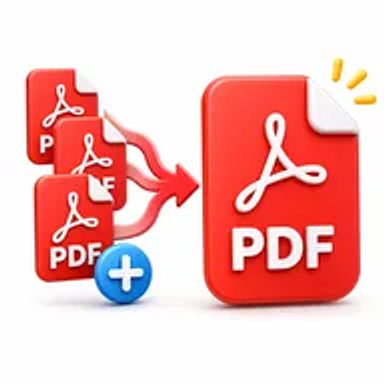
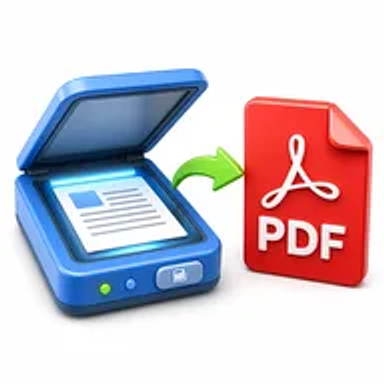
Converting scans to PDF creates a standard document that is easier to email, archive, print, or submit. Multiple scanned pages can also be grouped into one ordered file.
How Hemiley Simplifies Scan-to-PDF Conversion
Upload your scanned pages, arrange them in the correct order, and create a PDF directly in your browser. Hemiley removes the need to open a word processor or desktop publishing program just to build a document from scans.
The resulting PDF keeps the captured page images together in a consistent, widely supported format.
Key Benefits
Create one organized file
Combine several scanned pages into a single PDF.
Simple page ordering
Arrange images or scans before conversion.
No account required
Start converting without registration.
Browser-based access
Use the tool from supported computers and mobile devices.
Secure handling
Process uploaded scans through Hemiley’s protected workflow.
Easy sharing and archiving
Produce a standard PDF for email, portals, cloud storage, or records.
Who Uses the Scan to PDF Tool?
Students
Convert handwritten notes, worksheets, and reference pages.
Small businesses
Digitise receipts, invoices, forms, and paper records.
HR and administrative teams
Create PDFs from signed forms and employee documents.
Individuals
Save IDs, certificates, letters, and personal records in a standard format.
How to Convert Scans to PDF in 4 Steps
- 1
Upload scanned pages
Select the images or scans you want to include.
- 2
Arrange the pages
Place them in the correct reading order.
- 3
Click “Create PDF”
Convert the selected scans into one document.
- 4
Download the PDF
Save the finished file to your device.
Common Scan-to-PDF Use Cases
- Digitise receipts for expenses or tax records.
- Convert handwritten class notes into a single PDF.
- Create a PDF copy of signed forms or paper contracts.
- Prepare scanned IDs or certificates for an application portal.
- Archive medical, insurance, or administrative records.
Why Choose Hemiley?
Hemiley offers a direct way to turn separate scans into a usable PDF. The workflow is designed around the practical steps people need: upload, arrange, convert, and download.
Because no desktop installation is required, you can create the file from whichever supported device has access to the scans.
Related Free PDF Tools
Frequently Asked Questions
The supported upload formats depend on the tool configuration, commonly including standard image files used for scans.
Yes. Upload multiple pages and arrange them before creating the PDF.
Image-based scans are not automatically searchable unless OCR is applied.
Yes, provided the photos use a supported format and are clear enough to read.
No. You can upload existing scans or document photos directly through the browser.